How it works
From install to first order in six steps.
No theme code and no designer. Most shops are set up in an afternoon.
-
01
Install the app
Add it from the Shopify App Store. It's free to install, with a 7-day free trial.
-
02
Approve billing in Shopify
Approve the plan (4.5% of fulfilled gang-sheet sales) and a monthly spending limit. Charges appear on your Shopify invoice.
-
03
Set your branding and pricing
Follow the setup checklist: upload your logo, set your shop name and accent color, and pick sheet sizes and prices. The cart product is created for you.
Admin · Setup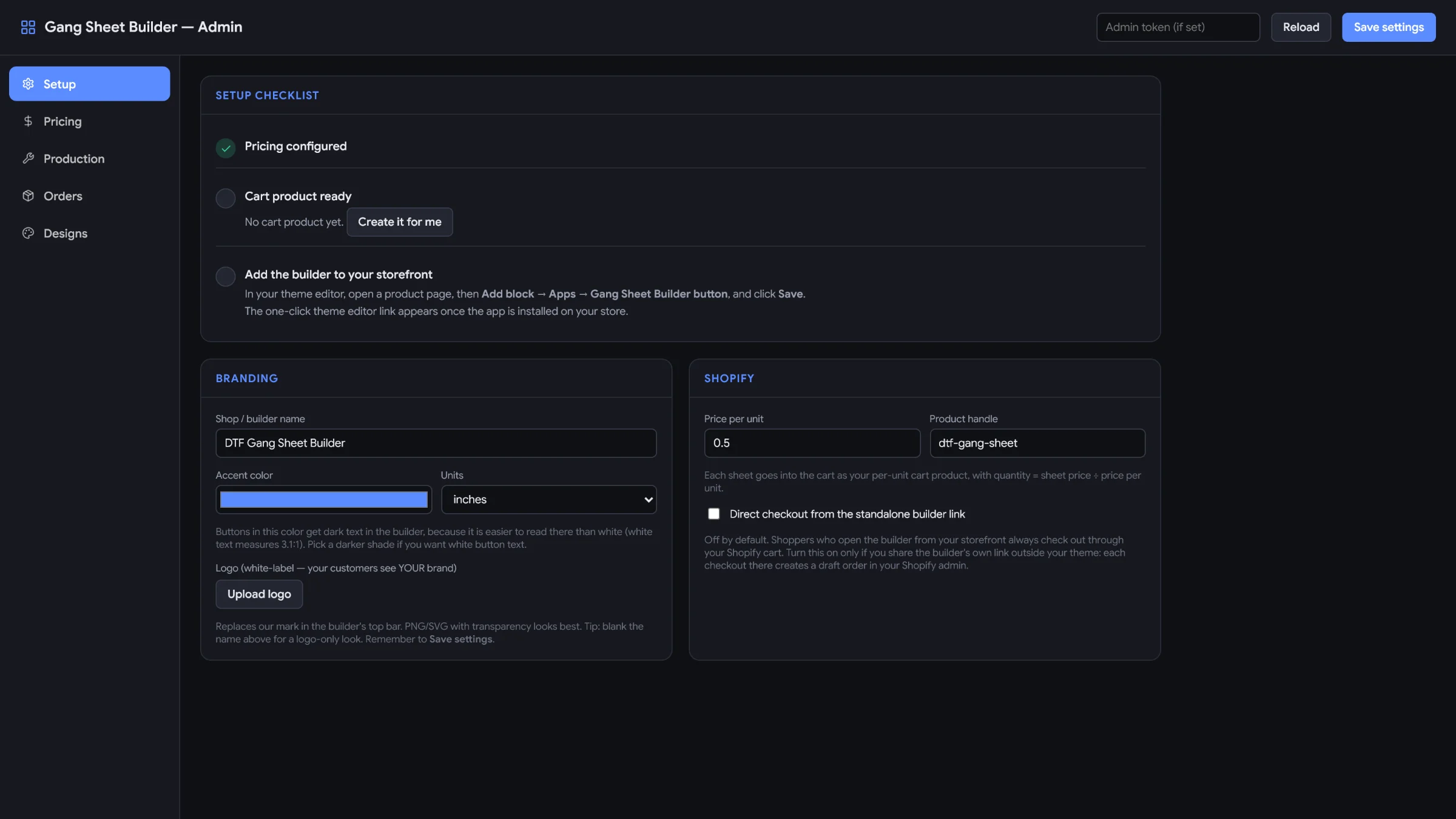
-
04
Add the button to a product page
In the theme editor, open your product page and add the app block.
Add block→ Apps→ GangMySheet button→ Save
-
05
Place a test order
Open your product page, build a sheet and check out. You'll see exactly what your customers see.
Try it on the demo store -
06
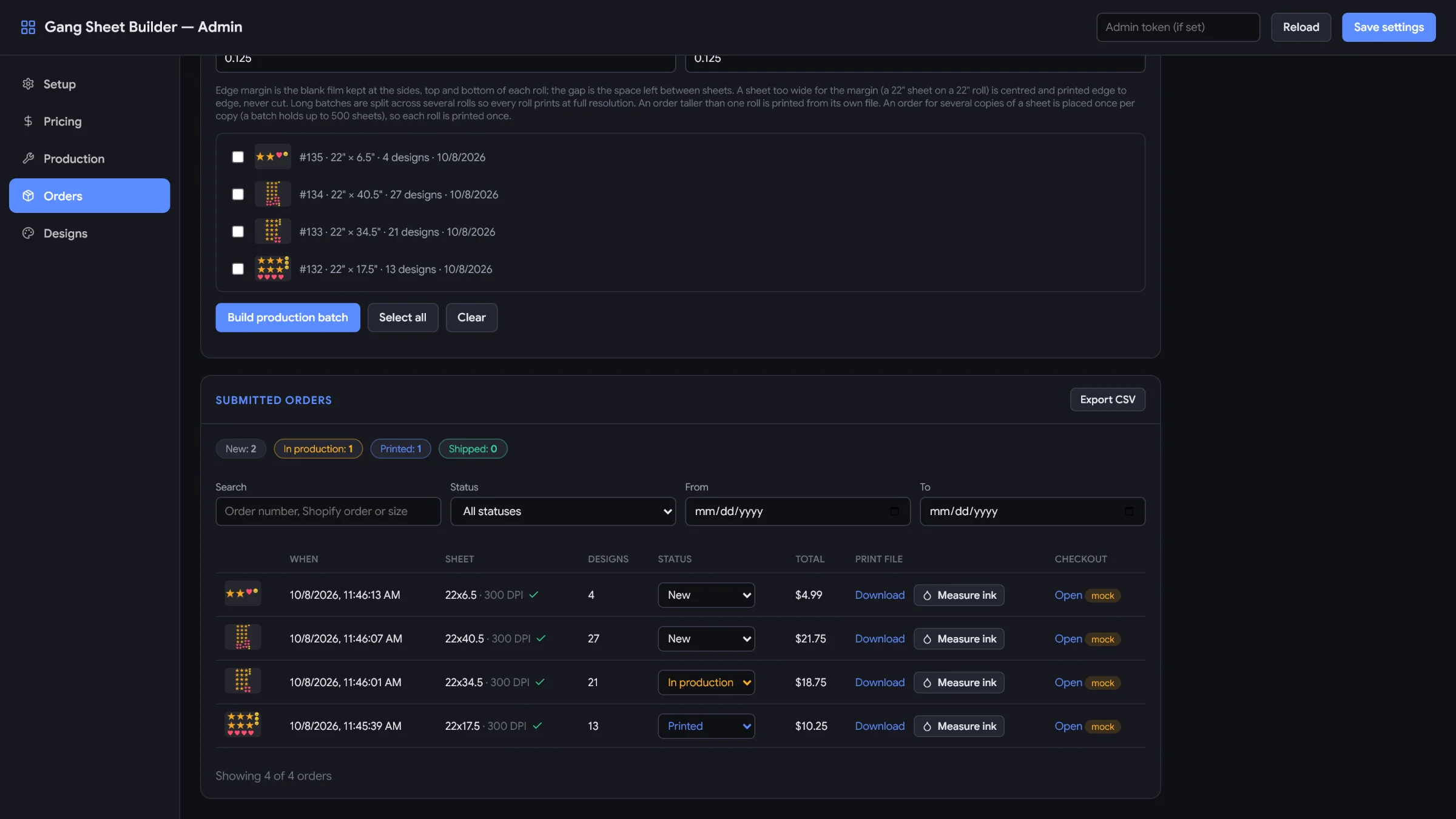
Orders arrive on your board
Each order lands as a print-ready 300 DPI file with its order number on the film. Move it from new to shipped.
Admin · Orders · demo data